

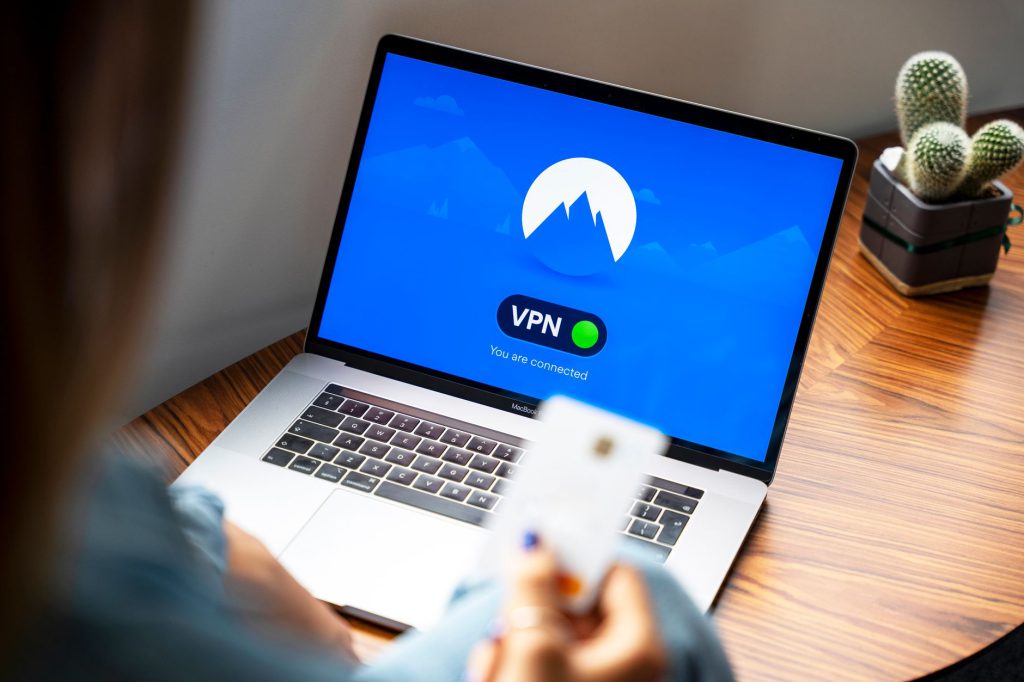
WordPress powers a huge share of the web, which makes it a constant target. The good news: the overwhelming majority of hacks exploit known, patchable problems — outdated plugins, weak passwords, and un-hardened defaults. Get the basics right and you shut the door on almost all of them. Here are the WordPress security best practices that matter.
Why WordPress sites get hacked
Attacks are rarely targeted or sophisticated. Automated bots scan the web for sites running outdated software with known vulnerabilities, then exploit them at scale. The leading cause of WordPress compromises is outdated plugins and themes — followed by weak credentials and insecure hosting. Security is mostly about not being the low-hanging fruit.
The essentials (do these first)
- Keep everything updated. Core, themes, and plugins — ideally tested on staging first so an update never breaks your live site. This single habit prevents most attacks.
- Use strong, unique passwords and 2FA. Enforce strong passwords for every account and enable two-factor authentication for admins.
- Limit login attempts. Throttle or lock out repeated failed logins to stop brute-force bots.
- Apply least privilege. Give each user the lowest role they need. Not everyone needs to be an administrator.
- Remove what you don’t use. Delete inactive plugins and themes — dormant code is still an attack surface.
Harden the defaults
- Force HTTPS across the whole site and fix mixed-content warnings.
- Disable the file editor in the dashboard (
DISALLOW_FILE_EDIT) so a compromised login can’t edit code. - Set correct file permissions and protect
wp-config.php. - Add security headers (Content-Security-Policy, X-Frame-Options, etc.) and a web application firewall, often via your CDN.
- Protect the login and XML-RPC endpoints, which bots hammer constantly.
Monitor and back up
Assume something will eventually slip through. Automated, restore-tested backups stored off-site are your safety net. Pair them with malware scanning and uptime/integrity monitoring so you find problems before your visitors — or Google — do.
If the worst happens
If your site is compromised, don’t panic and don’t just delete files at random. Take it offline, restore from a clean backup where possible, and methodically clean and re-harden it — we cover the full process in our guide to WordPress malware removal.
Security isn’t a one-time task; it’s ongoing hygiene. That’s exactly what a WordPress maintenance & support plan handles — staged updates, hardening, monitoring, and backups — and why it matters who owns your site after launch.
Frequently asked questions
How do I secure my WordPress site?
Keep core, themes, and plugins updated (tested on staging); use strong passwords with two-factor authentication; limit login attempts; apply least-privilege user roles; force HTTPS; harden the defaults; and run restore-tested backups plus malware monitoring. That combination stops the vast majority of attacks.
Why do WordPress sites get hacked?
Most often because of outdated plugins or themes with known vulnerabilities that automated bots exploit at scale — followed by weak passwords and insecure hosting. Attacks are usually opportunistic, not targeted, so staying patched removes most of the risk.
Do I need a security plugin?
A reputable security plugin or a CDN-level firewall helps with scanning, firewalling, and login protection, but it’s not a substitute for the fundamentals. Updates, strong authentication, least privilege, and backups do most of the work; a plugin adds a useful extra layer.